
Discord Activity
Play spades on Discord, right in your voice channel
Game night, but make it spades. Grab three friends in voice, bid your books, cover your partner, run a Boston. Classic rules, your house rules, zero setup.
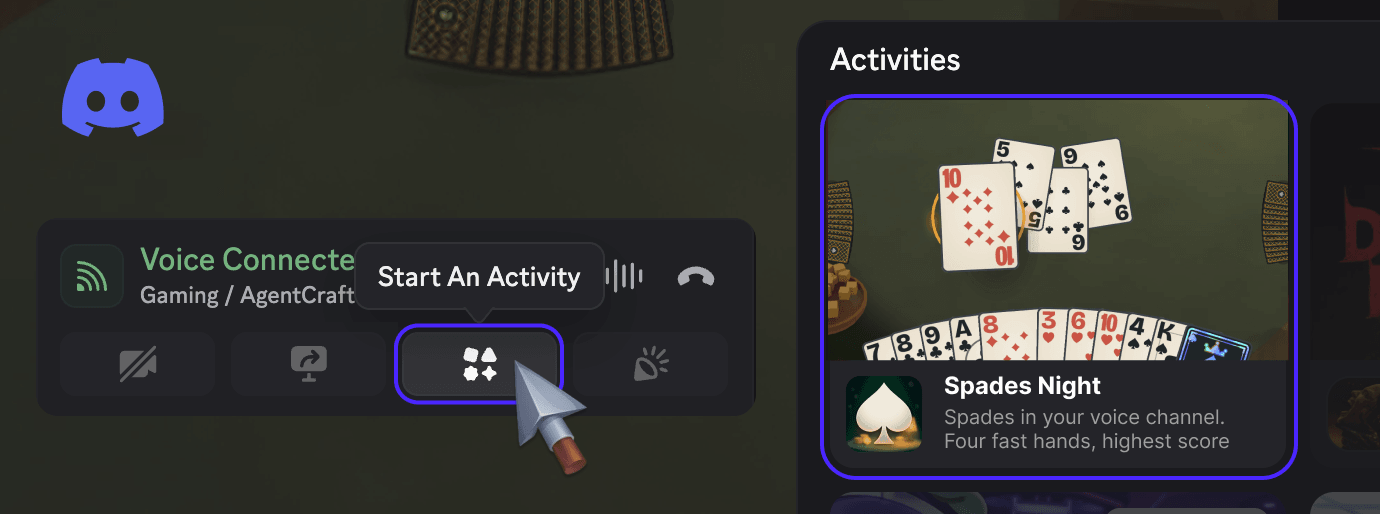
Already in a call? Press Start An Activity and pick Spades Night.
Or play in the browser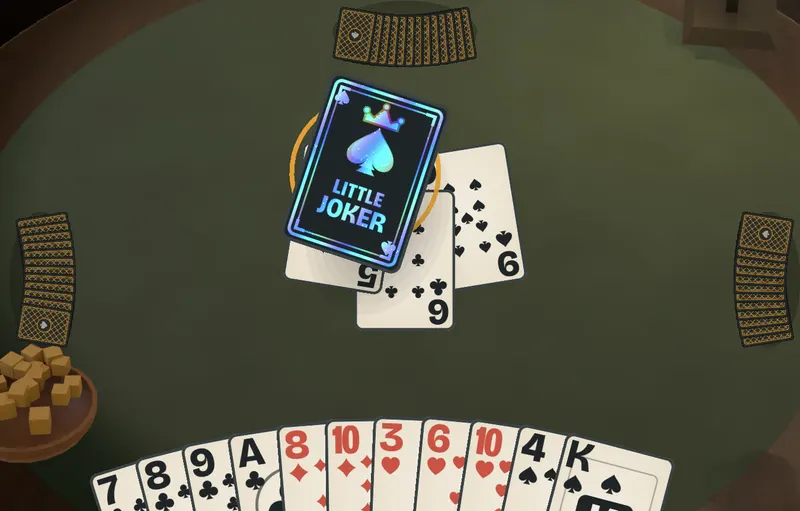
How to start it
Join a voice channel
Get your people in a call. Spades is a talking game, and on Discord the table talk is just your voice channel.
Launch Spades Night
Press Start An Activity in the call controls and pick Spades Night. Everyone in the channel can take a seat.
Deal
Bots fill any empty chairs, so three friends is plenty and one is enough. Four quick hands, highest score takes the table.
Made for voice
- Your call is the table talk. No lobby chat to type into. Say it out loud.
- Everybody bids at once. Secret bids flip together, so nobody waits on the slow thinker.
- Reaction emotes and an announcer for the joker slam, the set and the Boston.
- Real House Rules. Big and little joker, deuces high, nil and blind nil. Classic rules are a toggle away.
New to the game? Read the spades rules first. It takes five minutes.
Spades on Discord: questions
How do I play spades on Discord?
Join a voice channel, press Start An Activity in the call controls and choose Spades Night. Everyone in the call can join the same table, and bots take any empty seat.
Is Spades Night free on Discord?
Yes. There is nothing to buy, no wagers and no prizes. It is the same free game you can play in a browser at spadesnight.com.
How many people do we need?
One. Spades is a four-seat, 2v2 game, and bots fill every seat nobody is sitting in. Bring three friends for a full human table, or bring one and play partners against two bots.
Can friends who are not on Discord play with us?
A Discord table is for the people in that voice channel. For a mixed group, start a private table in the browser instead and share its five-letter code.